Check SEO for Website | A Simple Guide to Auditing Your Site
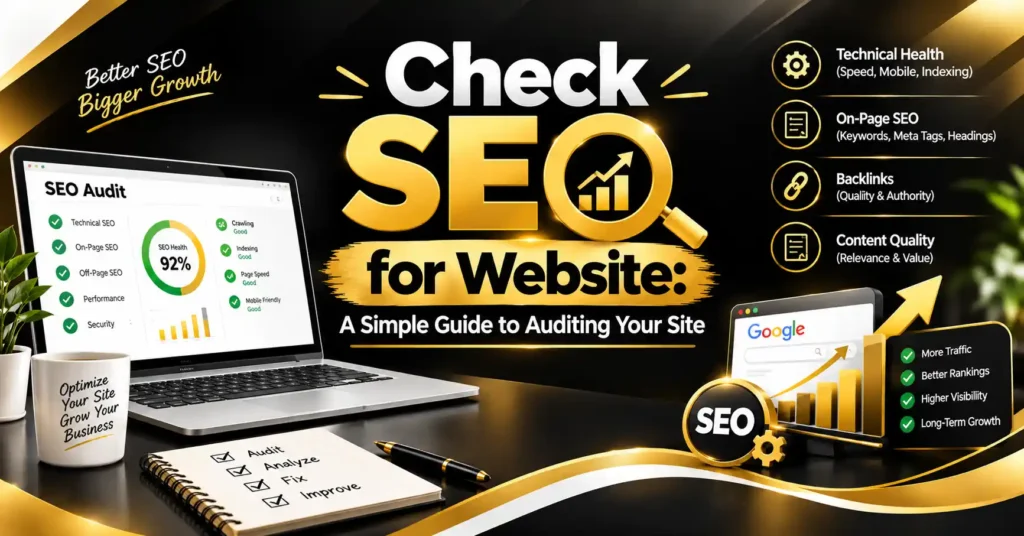
If you’ve ever wondered why your website isn’t getting the traffic you expected, the first step isn’t writing more content or running more ads. It’s learning how to check SEO for website performance so you know what’s working and what’s silently holding you back.
In this guide, I’ll walk you through how to check your website’s SEO health, what tools to use, and what to do once you’ve found the issues.
Quick answer: To check SEO for website performance, you need to evaluate technical health (crawlability, speed, mobile-friendliness), on-page elements (keywords, meta tags, headings), and off-page signals (backlinks, domain authority) using tools like Google Search Console, PageSpeed Insights, and dedicated SEO auditing platforms.
How to Check SEO for Website Performance

Checking your website’s SEO isn’t just about running one tool and calling it done. A proper check covers several layers of your site, since search engines evaluate websites based on technical structure, content quality, and external trust signals.
Here are the main areas you should review when you check SEO for website performance:
- Crawlability and indexing : Confirming that search engines can access and add your pages to their index using Google Search Console.
- Page speed and Core Web Vitals : Testing how quickly your pages load using tools like Google PageSpeed Insights or GTmetrix.
- Mobile-friendliness : Verifying your site works properly on smartphones and tablets, since mobile usability directly affects rankings.
- On-page SEO elements : Reviewing title tags, meta descriptions, header structure, and keyword usage on individual pages.
- Backlink profile : Checking the quality and quantity of external sites linking back to your site using tools like Ahrefs or SEMrush.
- Content quality and relevance : Assessing whether your existing content actually matches what your audience is searching for.
Running through each of these areas gives you a clear, comprehensive picture of your website’s SEO health, rather than just guessing based on rankings alone. If you want to understand the technical side of this in more depth, our guide on What is Technical SEO | A Complete Beginner’s Guide breaks down the backend factors that heavily influence these results.
Best Tools to Check SEO for Website Health
Now that you know what to look for, let’s talk about the actual tools you can use to check SEO for website performance, many of which are free or offer limited free versions.
Free and Paid Tools for a Complete SEO Check
Here’s a practical breakdown of tools you can use, depending on what part of your SEO you’re evaluating:
- Google Search Console : Free and essential for checking indexing status, crawl errors, and which keywords already bring traffic to your site.
- Google PageSpeed Insights : Free tool that evaluates loading speed and Core Web Vitals, with specific recommendations for improvement.
- Screaming Frog SEO Spider : A crawling tool that identifies broken links, duplicate content, and missing meta tags across your site.
- Ahrefs or SEMrush : Paid platforms offering in-depth backlink analysis, keyword tracking, and competitor comparisons.
- Google’s Mobile-Friendly Test : A quick, free way to confirm your pages render properly on mobile devices.
- Yoast SEO or Rank Math : WordPress plugins that help check on-page SEO elements directly while editing content.
Using a combination of these tools gives you both the technical depth and the content-focused insights needed for a thorough SEO check. Relying on just one tool often leaves blind spots, since no single platform covers every aspect of SEO equally well.
What to Do After You Check SEO for Website Issues
Finding problems is only half the process. Once you check SEO for website performance and identify issues, prioritizing fixes based on impact matters just as much as the audit itself.
Here’s a simple way to prioritize what you find:
- Fix critical crawl and indexing errors first, since these prevent pages from appearing in search results at all.
- Address slow page speed next, especially on high-traffic or conversion pages, since this affects both rankings and user experience.
- Update outdated or thin content, focusing on pages close to ranking well but needing more depth or better keyword alignment.
- Clean up broken links and redirect chains, which frustrate both visitors and search engine crawlers.
- Build a backlink strategy if your audit reveals a weak profile compared to competitors ranking for similar terms.
It’s also worth remembering that checking SEO for website performance isn’t a one-time task. Rankings shift, algorithms update, and competitors publish new content regularly, so revisiting your audit every few months helps you stay ahead of issues before they seriously impact your traffic.
If your audit reveals gaps in your content strategy, our guide on Technical SEO Agency | What They Do and Why You Might Need One explains when it might make sense to bring in specialized help rather than tackling everything in-house.
For a visual walkthrough of running a full SEO check step by step, check out our YouTube channel, where we demonstrate real audits using free and paid tools.
If you found this guide useful and want more practical SEO tips, follow our page on Facebook where we share regular strategies and case studies.
Final Thoughts
Learning to check SEO for website performance regularly puts you in control of your website’s growth, rather than guessing why traffic isn’t improving. By reviewing technical health, on-page elements, and backlink quality together, you get a complete picture of where your site stands and exactly what needs attention next.
Start with the free tools mentioned above, tackle the highest-impact issues first, and make auditing a regular habit rather than a one-time fix. Small, consistent improvements often add up to significant gains in traffic and visibility over time.
1. How do I check SEO for my website?
Check SEO for your website by reviewing crawlability, page speed, mobile-friendliness, on-page elements, and backlinks using tools like Google Search Console and PageSpeed Insights.
2. How often should I check SEO for my website?
It’s best to check your website’s SEO every few months, since search algorithms, competitor content, and site changes can all affect your rankings over time.
3. What is the best free tool to check SEO for website performance?
Google Search Console is one of the best free tools, offering data on indexing status, crawl errors, and which keywords are already driving traffic to your site.
4. Why is my website not ranking even with good content?
Even great content can underperform if your site has technical issues like slow speed, crawl errors, or poor mobile usability that prevent proper indexing.
5. What does a technical SEO check include?
A technical SEO check covers crawlability, indexing, site speed, mobile-friendliness, and structured data to ensure search engines can properly access your pages.
6. What is Core Web Vitals and why does it matter?
Core Web Vitals measure loading speed, interactivity, and visual stability, all of which directly affect both user experience and search engine rankings.


